Vertical vs. Horizontal Screens: Choosing the Right Display for Your SignageFlow Setup
Digital signage is more than just displaying visuals on a screen - it’s about presenting content in the most effective format for your space and audience. Whether you’re managing a café, retail outlet, restaurant, gym, or hospital, your screen orientation has a huge impact on how your message is perceived.
With SignageFlow, you can manage both vertical (portrait) and horizontal (landscape) screens from a single dashboard. The platform is designed to handle each orientation intelligently, ensuring every visual fits perfectly and plays exactly as intended.
Understanding Screen Orientation
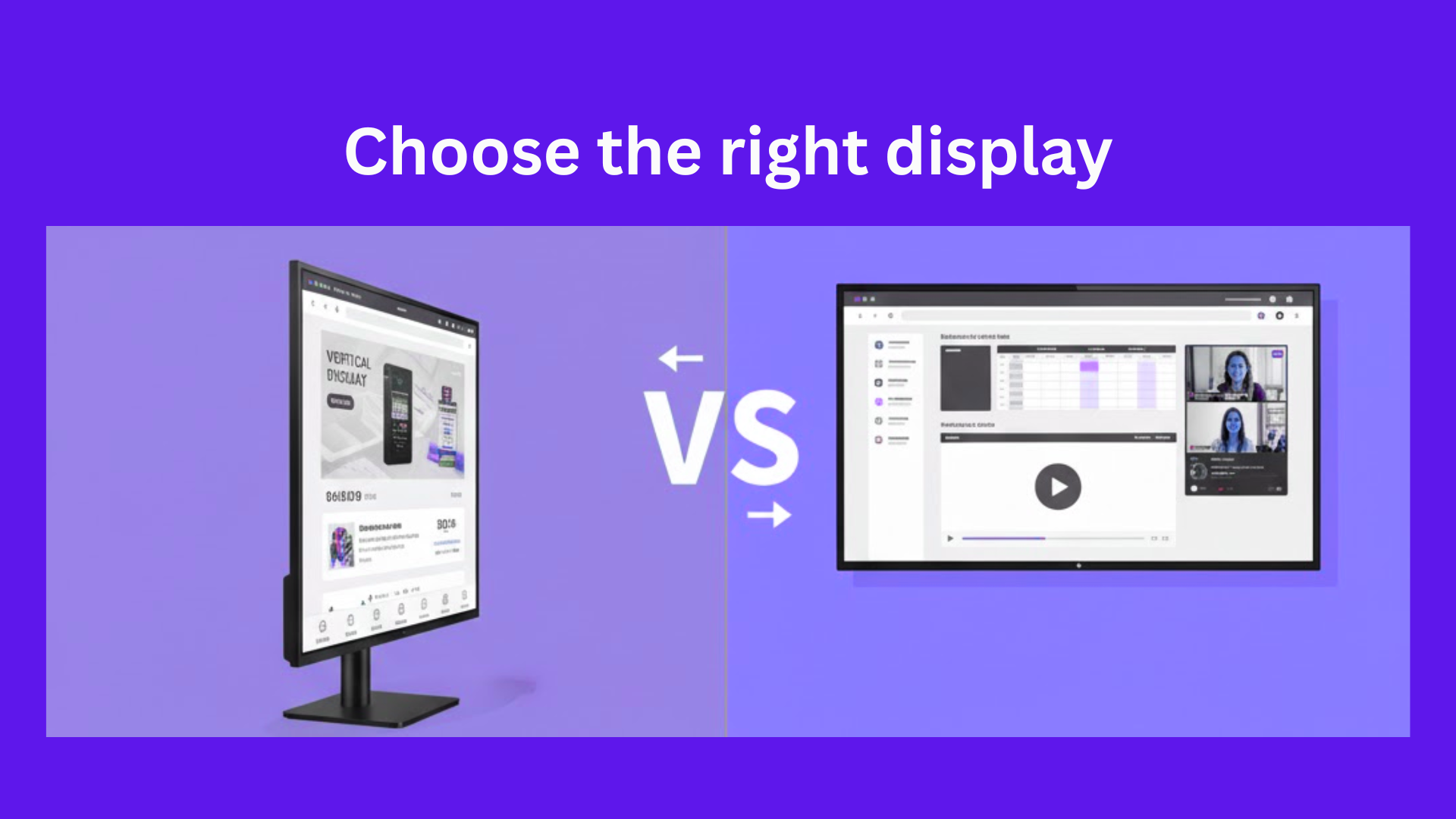
There are two main display orientations:
-
Horizontal (Landscape):
The standard widescreen format. It’s ideal for TVs, digital menu boards, or presentations that need space for more details. -
Vertical (Portrait):
The tall, poster-style layout that captures attention in standing displays, kiosks, or entrances.
Each orientation has its own purpose—and SignageFlow treats them as distinct display environments to ensure top-quality playback.
How SignageFlow Manages Vertical and Horizontal Displays
Unlike traditional signage software that mixes all media together, SignageFlow separates both vertical and horizontal workflows to maintain visual consistency.
When you register a new screen, SignageFlow automatically detects its resolution and determines whether it’s vertical or horizontal. This sets the foundation for how your media and playlists are managed.
Here’s how it works:
-
Separate Media Libraries:
Vertical and horizontal media files are stored separately. This prevents any mismatch or distortion when content is played on the wrong screen type. -
Dedicated Playlists per Orientation:
Playlists are orientation-specific.-
A Vertical Playlist will only display vertical-format media (e.g., 1080×1920 or 570×2020).
-
A Horizontal Playlist will only display horizontal-format media (e.g., 1920×1080).
-
This means that when you create a vertical playlist, only vertical media will appear as selectable options—and the same applies to horizontal playlists. This ensures your content always fits perfectly on your screens.
Creating Playlists in SignageFlow
-
Go to Playlists in your dashboard.
-
Select Orientation: Choose whether the playlist is for a vertical or horizontal screen.
-
Add Media: Only compatible media will appear for selection.
-
Preview and Save: Instantly preview how your content will look on that screen type before publishing.
This orientation-based workflow eliminates guesswork, prevents distorted visuals, and keeps your screens looking professional across all outlets.
Perfect for Multi-Branch Businesses
If you’re managing multiple branches, each with different screen setups, SignageFlow makes it effortless to handle them all in one place.
You can:
-
Assign branch-specific vertical and horizontal playlists
-
Link screens by orientation under each outlet
-
Automate campaigns and seasonal content based on screen type
-
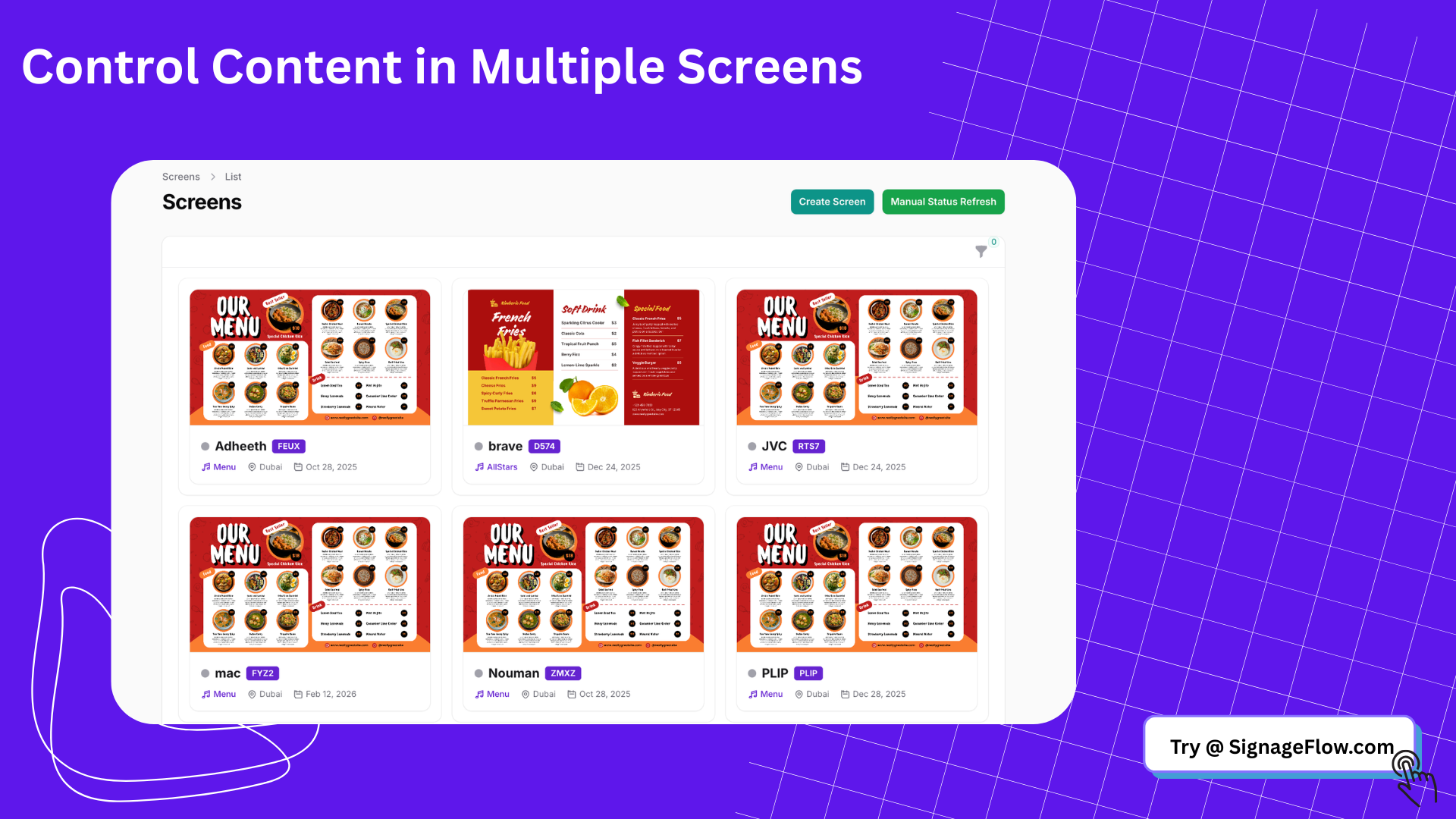
Manage every display from your central dashboard
So whether your reception uses a vertical standee or your dining area has widescreen TVs, SignageFlow ensures both stay updated with the right content format.
Design Recommendations
For Vertical Screens:
-
Focus on single, impactful visuals
-
Use tall images or videos that highlight one key message
-
Perfect for posters, product highlights, or event announcements
For Horizontal Screens:
-
Use wide visuals and structured layouts
-
Ideal for menus, slideshows, dashboards, or promotional videos
SignageFlow supports images, videos, and even Google Slides, making it easy to design in your favorite tools and upload directly.
Why This Matters
Many signage systems distort content by stretching or cropping visuals when mixed orientations are used. SignageFlow avoids that problem entirely. By separating media and playlists by orientation, the platform ensures:
-
Crystal-clear visuals without stretching or cropping
-
Faster playlist creation with automatic filtering
-
Consistent content display across multiple outlets
-
A professional, polished look—every time
Final Thoughts
Whether you’re displaying tall visuals on portrait screens or widescreen videos on landscape displays, SignageFlow gives you complete control.
With its orientation-specific media management, separate playlists, and automatic screen detection, you’ll always know your content looks exactly as it should.
So when setting up your next screen, remember—in SignageFlow, vertical and horizontal each get their own space to shine.