Digital Signage Media Player Guide for Modern Screen Networks
Digital Signage Media Player: What It Is, How It Works, and What to Look For
A digital signage media player is the device that powers content on a digital screen. It takes the playlists, images, videos, schedules, and layouts from your signage software and renders them on the display. Without it, the screen may have content, but it has no reliable way to play that content in a business-ready environment.
For many buyers, the screen gets all the attention. But in practice, the digital signage media player is one of the most important parts of the entire setup. It affects playback quality, reliability, remote management, offline behavior, and how easily your network can scale from one display to many.
If you are evaluating a digital signage rollout, understanding the role of the media player will help you avoid weak hardware choices, compatibility issues, and costly management headaches. It also helps you choose a software platform like SignageFlow more effectively, because great signage software and the right player need to work together.
What is a digital signage media player?
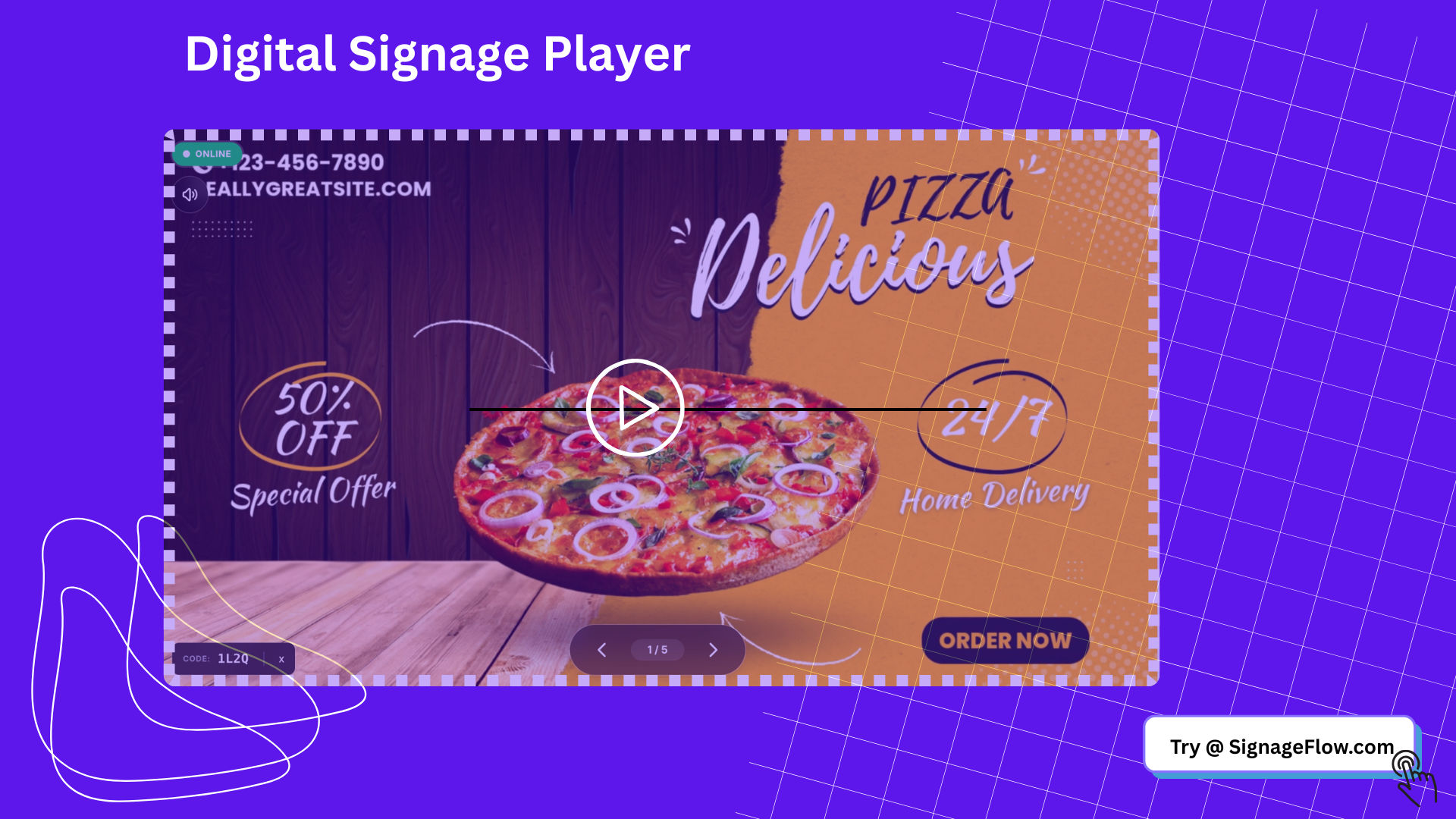
A digital signage media player is a hardware device or playback endpoint that receives content from a digital signage platform and displays it on a screen. It is responsible for rendering media, following schedules, caching files locally, and keeping the display running smoothly.
A digital signage media player may be:
A dedicated external device connected by HDMI
A small commercial Android or Windows box
A browser-based endpoint running on a compatible screen
An embedded system built into certain smart displays
Its job is simple in theory: show the right content on the right screen at the right time. But in real business use, that requires much more than basic video playback.
What does a digital signage media player do?
A digital signage media player acts as the bridge between your digital signage software and your screen.
Its core responsibilities include:
Downloading content from the CMS
Caching assets for smoother playback
Rendering videos, images, web content, and layouts
Following playlist and schedule rules
Reporting device status back to the dashboard
Refreshing content when new updates are published
Maintaining playback stability during daily operation
This is why a consumer streaming device is not always enough. Business signage needs predictable, repeatable playback and reliable remote control.
How a digital signage media player works
A simple digital signage workflow usually looks like this:
A team uploads content into a digital signage platform.
Playlists, layouts, or zones are configured.
A schedule is assigned to one or more screens.
The digital signage media player fetches that content.
The player stores and renders the assets locally.
The screen displays the scheduled content and reports status back to the platform.
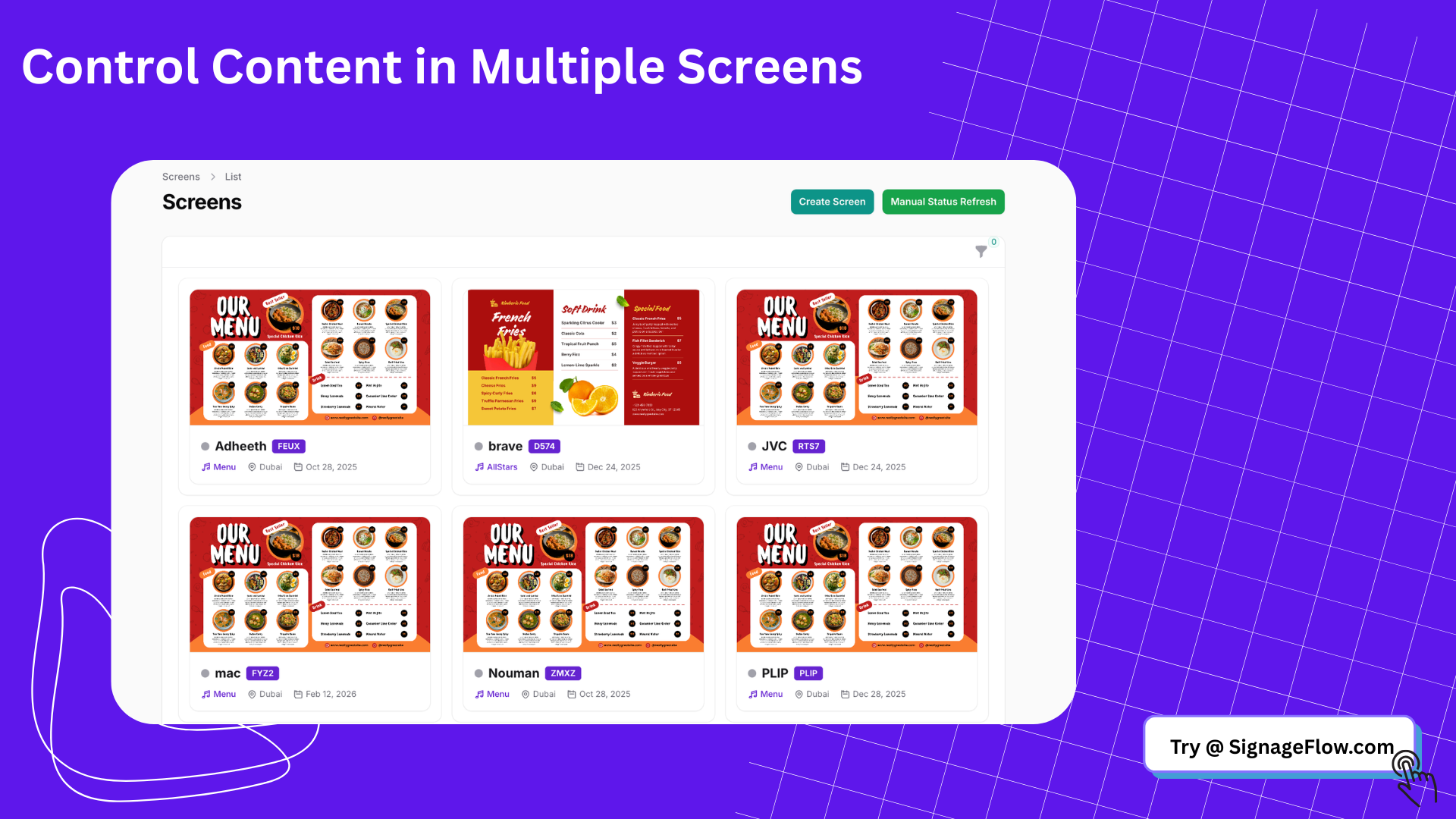
When paired with a system like SignageFlow, the media player becomes part of a centralized workflow. Content can be managed from one dashboard, while playback happens locally on each screen.
Why the media player matters so much
A weak media player can ruin an otherwise strong signage setup. Even if the software is excellent, poor playback hardware can lead to:
Frozen screens
Slow refreshes
Failed video playback
Inconsistent scheduling
Poor resolution support
More support tickets
Limited scaling across locations
A good digital signage media player helps the network feel invisible in the best way. Content plays smoothly, updates arrive on time, and teams do not need constant manual intervention.
Digital signage media player vs digital signage software
This distinction matters because many buyers confuse the two.
A digital signage media player is the hardware or playback endpoint.
Digital signage software is the management layer that controls content, scheduling, monitoring, and publishing.
Think of it this way:
The software decides what should be shown.
The media player makes sure it actually appears on the screen.
That is why businesses should evaluate both together. A capable platform like SignageFlow can simplify content management, but it still needs compatible, dependable playback endpoints to deliver a strong real-world experience.
Types of digital signage media players
There is no single best media player for every business. The right choice depends on budget, scale, content complexity, and deployment model.
1. Dedicated external media players
These are standalone devices built specifically or primarily for signage playback. They connect to the display through HDMI and are commonly used in commercial deployments.
Best for:
Multi-location businesses
Long daily operating hours
More reliable playback needs
Managed commercial environments
Advantages:
Strong performance
Easier replacement and maintenance
Better separation from the screen hardware
Good scalability
2. Android-based signage players
Android players are common because they are affordable and widely available. Many digital signage deployments use Android devices for standard content playback.
Best for:
Cost-sensitive rollouts
Typical image and video content
Small to mid-sized business deployments
Advantages:
Lower hardware cost
Wide compatibility
Compact form factor
3. Windows-based players
Windows players offer more flexibility and are often used when businesses need heavier content, complex web apps, or custom integrations.
Best for:
Advanced web content
Data-heavy dashboards
Complex display environments
Advantages:
Higher flexibility
Broader app compatibility
Good for specialized use cases
Tradeoff:
Usually more expensive and higher maintenance than lighter options
4. Browser-based playback on smart displays
Some digital signage setups can run directly in a browser on compatible screens or lightweight devices. This can reduce hardware overhead and simplify deployment.
Best for:
Lightweight signage use cases
Quick deployments
Businesses that want simpler rollout options
This model is especially relevant when paired with platforms like SignageFlow, which support browser-based digital signage workflows.
5. System-on-chip displays
Some commercial displays include built-in computing capabilities. These can eliminate the need for a separate external player in certain deployments.
Best for:
Cleaner hardware setups
Simple signage needs
Specific supported ecosystems
Tradeoff:
Compatibility and long-term flexibility may be more limited than with external players
Key features to look for in a digital signage media player
When choosing a digital signage media player, focus on reliability and fit rather than marketing claims.
1. Stable playback performance
The player should handle your typical content mix without lag or crashes. That includes:
Images
Full HD or 4K video
Web content
Embedded dashboards
Split-screen layouts
If your content is media-rich, the hardware needs to match.
2. Local caching
A strong signage player should store content locally so playback can continue even if the internet connection drops temporarily.
This is especially important for:
Restaurants
Retail stores
Waiting rooms
Branch networks with unstable connectivity
3. Remote manageability
Business signage is much easier to support when the player can be monitored and controlled remotely. Ideally, your software dashboard should show:
Online or offline state
Last sync time
Playback health
Content update status
This is where a centralized platform such as SignageFlow adds real operational value.
4. Screen resolution support
Make sure the player supports the resolutions and orientations you need, including:
Full HD
4K if required
Portrait mode
Landscape mode
Not all low-cost players perform equally well with high-resolution or animated content.
5. Reliable connectivity
Look for dependable support for network communication and content sync. A player that loses connection often will create unnecessary support issues.
6. Compatibility with your signage platform
This may be the most important factor. A great device is still the wrong choice if it does not work well with your digital signage software.
Always confirm compatibility between the media player and your chosen platform before rollout.
How to choose the right digital signage media player
The best choice depends on what you are trying to display and how widely you plan to deploy it.
Use this framework.
For simple single-location signage
If you are running one or two screens with basic content, a lightweight Android player or compatible browser-based setup may be enough.
For multi-location businesses
If you are scaling across branches, consistency matters more than saving a small amount on each device. Choose a digital signage media player that is easy to deploy, easy to replace, and easy to monitor centrally.
This is where using a management layer like SignageFlow can help standardize operations across locations.
For heavier content
If your screens need advanced web apps, dashboards, or more demanding layouts, you may need a more powerful Windows or commercial-grade player.
For long operating hours
If screens run all day in customer-facing environments, choose hardware designed for commercial reliability rather than consumer convenience.
Signs you need a better digital signage media player
Your current player may be limiting performance if you notice:
Frequent freezing or reboots
Slow content loading
Inconsistent schedule execution
Poor video playback
Difficulty updating screens remotely
Limited compatibility with your CMS
High support effort from local teams
When those issues show up repeatedly, it is usually better to standardize on a stronger hardware strategy rather than keep patching the problem.
Media player mistakes businesses often make
Buying the cheapest device available
Low-cost hardware may look attractive, but unstable playback often costs more in time and support than the device saves upfront.
Ignoring software compatibility
The player and the CMS should be evaluated together. If the platform and playback environment do not align, the deployment becomes harder to manage.
Underestimating content complexity
A slideshow is easy. Video, live dashboards, zones, and web embeds are more demanding. Match hardware to actual content requirements.
Forgetting future scale
A player that works for one pilot screen may not be ideal for fifty screens across multiple locations.
Treating consumer hardware like commercial signage infrastructure
Consumer devices are not always built for always-on business use. Commercial deployments need predictable uptime and easier remote support.
What businesses should ask before buying
Before choosing a digital signage media player, ask these questions:
Will this player support our content types reliably?
Does it work cleanly with our chosen signage platform?
Can our team monitor it remotely?
Does it support offline playback or caching?
Is it easy to replace at scale?
Will it handle our screen orientation and resolution needs?
Is it suitable for daily commercial use?
These questions help narrow the field quickly and reduce rollout risk.
Where SignageFlow fits into the setup
A digital signage media player is only one part of the system. Businesses still need software to manage content, screen assignments, schedules, and updates.
SignageFlow fits into that software layer. It helps businesses manage what appears on screens, when it appears, and where it gets published. When paired with the right playback hardware or browser-based display setup, SignageFlow helps turn separate screens into a manageable, centralized network.
That is especially useful for businesses that want:
Faster content updates
Centralized playlist management
Screen visibility across locations
Simpler scheduling workflows
Lightweight browser-based screen operation
Final thoughts
A digital signage media player may be small, but it plays a major role in the success of your screen network. It affects playback quality, uptime, remote manageability, and how smoothly your signage system performs day after day.
The right approach is to choose the media player and the software together. A strong hardware setup combined with a centralized platform like SignageFlow gives businesses a more reliable foundation for screen management, content scheduling, and long-term scaling.
If you are comparing digital signage media player options, focus on real operational needs: compatibility, reliability, remote visibility, and the ability to grow without creating more manual work.
FAQ
What is a digital signage media player?
A digital signage media player is the hardware or playback device that displays content on a digital screen. It receives content from a signage platform and renders it according to playlists and schedules.
Do I need a digital signage media player for every screen?
In most cases, yes. Each screen needs a playback endpoint, unless the display includes a built-in supported system or runs the signage experience directly in a compatible browser environment.
What is the difference between a digital signage media player and digital signage software?
The media player is the device that plays the content. The software manages the content, schedules, users, and screen network. Platforms like SignageFlow handle the management side.
Can I use a smart TV without an external media player?
Sometimes. If the signage platform supports browser-based playback or the TV has compatible built-in capabilities, an external player may not be necessary for certain use cases.
What features matter most in a digital signage media player?
The most important features are playback stability, local caching, remote manageability, resolution support, reliable connectivity, and compatibility with your signage software.
Can SignageFlow work with browser-based digital signage setups?
Yes. SignageFlow is well suited to businesses that want simple screen management and browser-based digital signage workflows where supported.